Your photos now keep uploading when you leave Clann
You pick twenty photos from the weekend, tap upload, and then the baby wakes, or the dinner needs stirring, or a message comes in and you switch over to answer it. Until now, that was where a Clann upload quietly stopped. The photos that had already gone up were fine, but the rest just never arrived, and nothing told you. A family in France wrote to us to say that for months nothing would post unless they stood there with Clann open on the screen. They were right, and it wasn't good enough. So we fixed it properly.
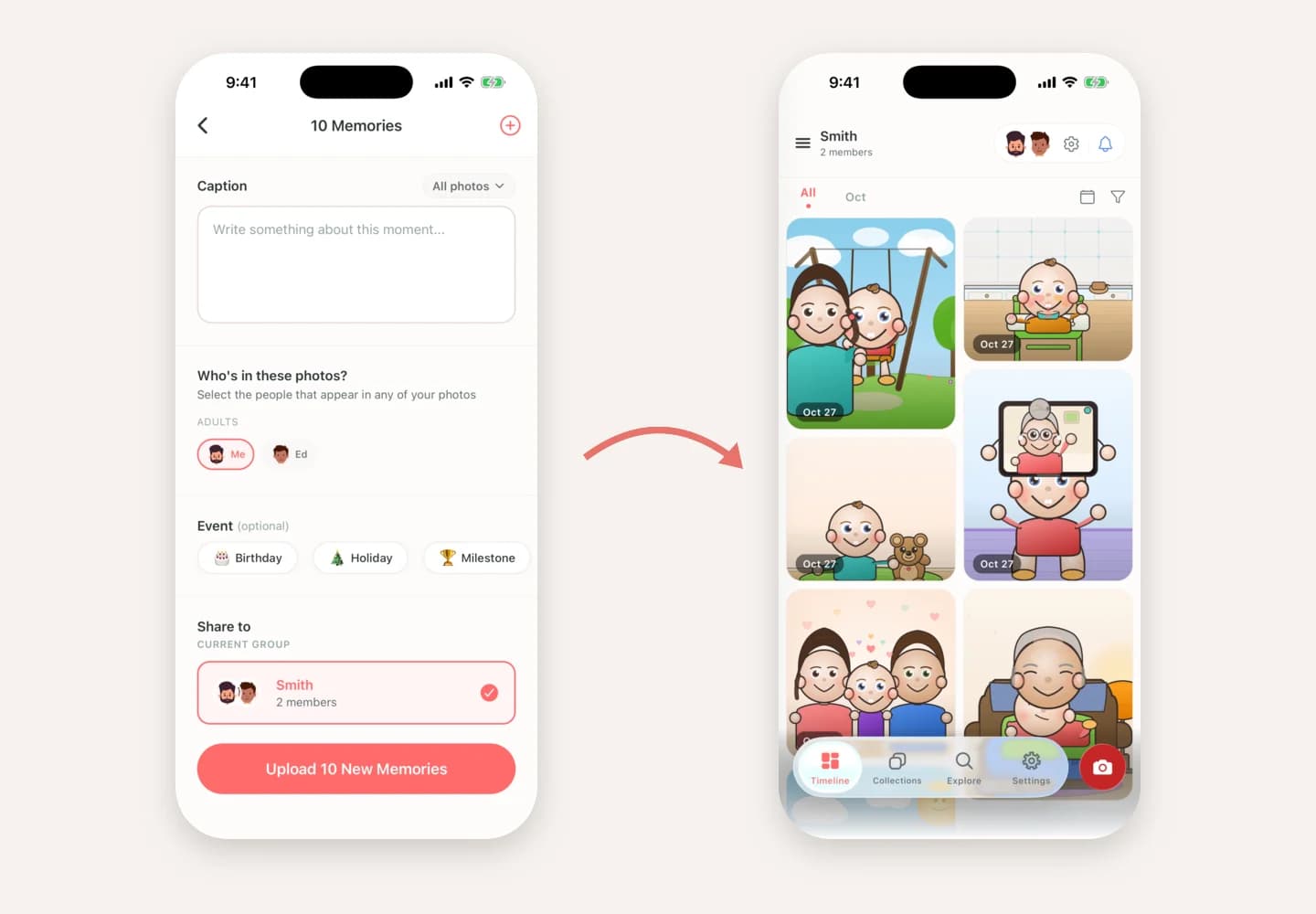
Tap upload, then get on with your day
Uploading now belongs to your phone rather than to whatever happens to be on the screen. Once you tap upload, Clann asks your phone for permission to keep working in the background, and your photos keep going while you do something else.
- On Android - the upload keeps running with the screen locked, and a quiet notification shows how far along it is - "Uploading memories, 4 of 10" - until the last photo is in. Then it goes away by itself.
- On iPhone - on iOS 26 and later, your iPhone keeps the upload going and shows its progress on screen while you are elsewhere. On earlier versions, iOS gives Clann a short window to finish, and anything still waiting carries on the moment you open Clann again.
Closed the app? It remembers
Sometimes Clann won't get the chance to finish. You swipe it away, your phone runs out of battery, or your phone decides it needs the memory for something else. Clann now keeps a note of every upload it starts, so the next time you open the app it picks up the photos that were left behind and finishes the job.
It is careful about it, too. Before it sends anything again, Clann checks which photos already made it, so a half-finished upload never leaves you with doubles in the family timeline.
And if something doesn't make it, you'll know
The worst part of the old behaviour was the silence. Now, if a photo can't get through - you lost signal on the train, say - a small note appears at the top of the timeline: "2 didn't upload · Tap to try again". One tap sends them again. If you would rather not, swipe it away.
Short drops in signal mostly sort themselves out before you would ever see that note. If your phone is offline when Clann tries to resume, it waits and tries again rather than giving up on your photos.
Just as private as before
Nothing about how your photos are protected has changed. Clann is end-to-end encrypted: photos and videos are encrypted on your phone before they upload, and only your family's own devices can open them. Uploading in the background does exactly the same work as uploading with the app open - it simply no longer stops when you look away.
How to get it
Update Clann from the App Store or Google Play. There is nothing to switch on - the next time you upload, it just works.
Frequently Asked Questions
No. Update Clann to the latest version and every upload you start from then on keeps going in the background. There is no setting to find.
Android asks any app that keeps working in the background to say so, which is a good rule. The notification shows how many photos have gone up so far and disappears on its own as soon as the upload is finished.
Clann only works in the background while your photos are actually uploading. As soon as the last one is in, it stops and lets your phone rest.
The photos that already went up are safely in your family group. The rest carry on the next time you open Clann, and anything that already arrived is recognised, so nothing is added twice.
Yes. Photos and videos are encrypted on your phone before they upload, whether Clann is open on the screen or working in the background. Only your family's own devices can open them.
Share the weekend, then put the phone down