You can now add photos to Clann from your computer
The photos on your phone are the easy ones. It is everything else that never quite makes it into the family group: the folder that came off the camera after a holiday, the box of prints you scanned one wet Sunday, the album a cousin sent you at a wedding that is still sitting on your laptop. Until now the only way in was to move it all onto a phone first, which is enough of a chore that most of us never get round to it. So we built a second door. Open getclann.com/upload on any computer, scan the code with the Clann app, and drag your photos straight in.
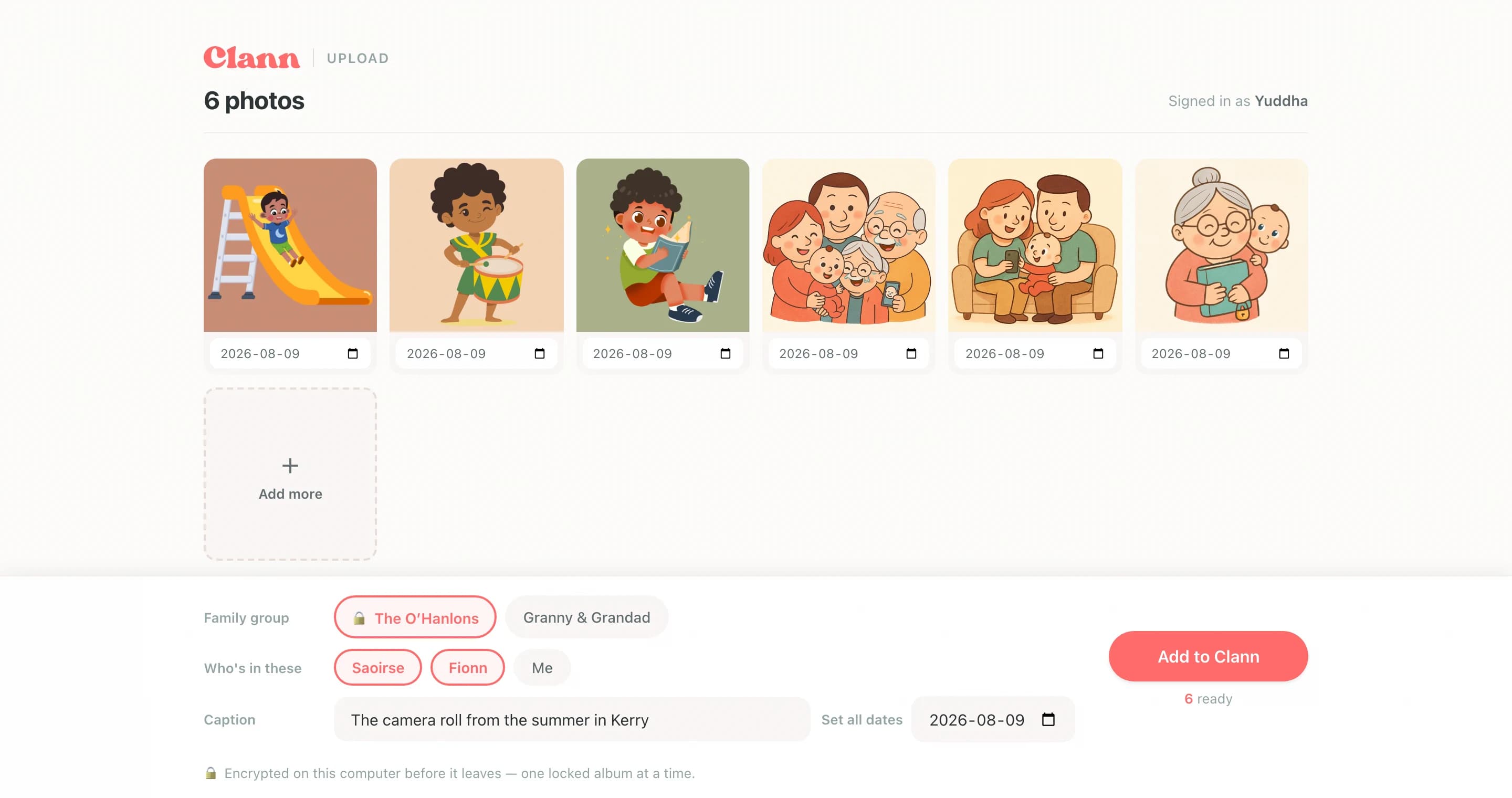
Made for the big pile, not the odd photo
Your phone is already good at sharing the three photos you took this morning. A computer is where the backlog lives, so this is built for adding a lot of photos at once without it turning into an evening's work.
- Drop them anywhere - drag a whole folder onto the page, click to choose files, or simply paste. There is nothing to install and no new account to make.
- See the photos, not the filenames - they appear as pictures, laid out like prints on a table, so you can pull out the ones you would rather leave behind.
- Put the dates right - old scans have no date of their own, so you can set the right one on a single photo or on all of them at once, and watch them land in the right year.
- Say who is in them - the family group, the children, and a caption for the batch, exactly as you would on your phone.
- No accidental doubles - anything already in your family group is recognised and skipped, so a folder you gave up on halfway through is safe to drag in again.
Your phone holds the door
A computer cannot help itself to your family photos. Before anything can happen you approve it from your phone, and you choose exactly which family groups it is allowed to add to.
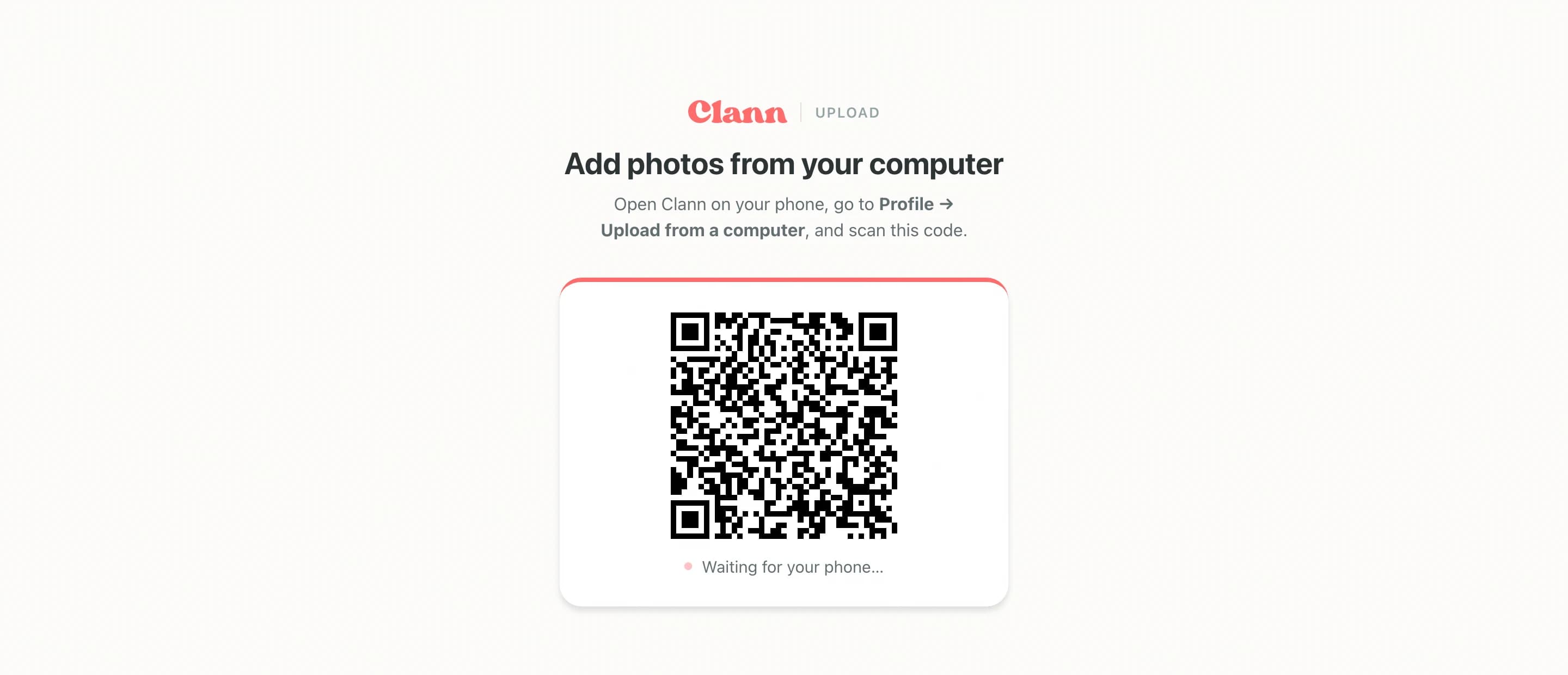
That moment is also what keeps the photos private. Scanning the code passes the keys for those family groups straight from your phone to your computer, so they travel between your own devices without us ever being able to read them. Your photos are locked up on your computer before they are sent, just as they are when you post them from your phone, and closing the tab is the end of it.
How to start
On the computer, go to getclann.com/upload. On your phone, open Clann, tap Profile, then Upload from a computer, and point the camera at the code.
Frequently Asked Questions
No. It is an ordinary web page at getclann.com/upload and works in any modern browser. There is nothing to download and no second account to set up - your phone is what lets the computer in.
Yes. Photos going into an end-to-end encrypted family group are locked up on your computer before anything is sent, in exactly the same way your phone does it. The keys pass from your phone to your computer through the code on the screen, so we never see them, and they are gone the moment you close the tab.
No. The code has to be scanned by a phone that is already signed in to Clann, and when you approve it you can see which family groups you are handing over. If you did not open getclann.com/upload yourself, tap Not now. Once a computer is connected the page shows whose account it is using, so an unfamiliar name there is your cue to close the tab.
Whatever has already gone up is safely in your family group. Anything still waiting is not, so scan the code again and drag the rest in. The photos that did make it are recognised, so nothing is added twice.
Get the family photos off the laptop