Clann Features: Every Control Explained
Everything Clann does, in one place - from the privacy controls group admins have to memory books and the family timeline. No marketing gloss: this is the actual feature list.
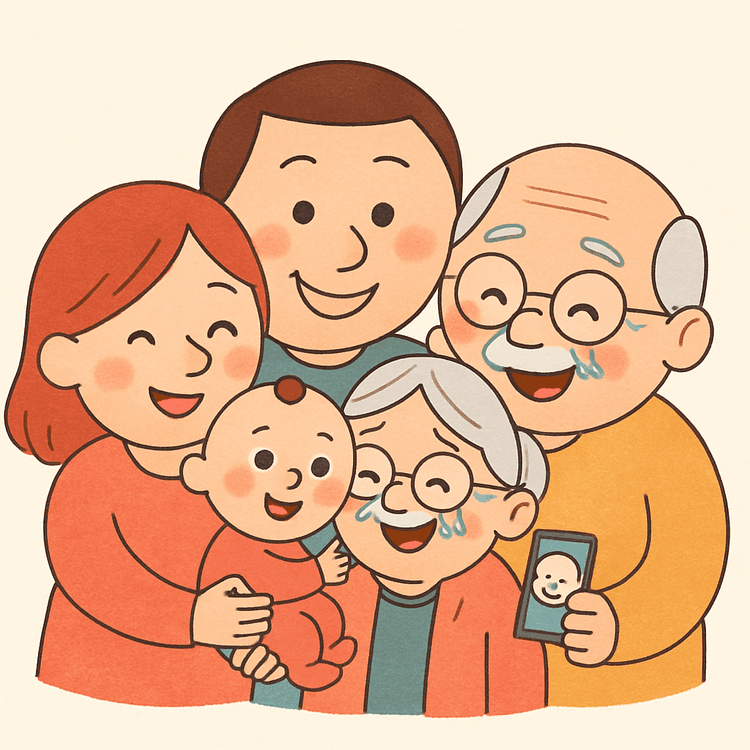
Private family groups
- Invite-only groups - every photo is visible only to the people you explicitly add. There are no public profiles, feeds, or discovery.
- Multiple groups - create separate groups for different sides of the family or different children, each with its own members and settings.
- One-tap multi-group sharing - share a photo to several family groups at once.
- Unique family code - new members join with a short code instead of complicated email invitations.
- Join approval - admins review and approve requests before anyone gets access.
- Not indexed by search engines - your family's photos never appear on the public web.
Admin controls
Every family group has admins with granular control over what members can do:
- Photo downloads - allow approved members to save photos to their devices, or block downloads entirely.
- Screenshot notifications - Clann blocks screenshots and can notify owners and admins when someone attempts one.
- Viewer uploads - decide whether viewers can upload photos and videos, or restrict uploading to admins.
- Comments - turn commenting on or off for the whole group.
- Roles - promote trusted members to admin; keep others as viewers.
- Member management - invite, approve, and remove members at any time.
- Family archive - admins can export the group's entire content in original quality.
Memories, organized
- Memory books and custom albums - turn the photos your family shares into digital memory books and albums you can revisit any time; you choose the photos.
- Chronological timeline with age tracking - watch your child grow month by month; photos are organized by how old they were.
- Search - find photos by people, places, events, and dates.
- Favorites - keep a curated collection of the photos that matter most.
- Child profiles - track multiple children in one family group.
Adding photos from a computer
Phones are where most photos start, but not where the backlog lives. Clann has a desktop uploader at getclann.com/upload for the folder off the camera, the scans, and everything a relative sent you on a laptop:
- Drag and drop in the browser - drop a folder anywhere on the page, click to browse, or paste. Nothing to install and no separate account.
- Authorized by your phone - you scan a code on screen with the Clann app and tick which family groups that computer may add to. Nothing is pre-ticked when you have more than one.
- Still end-to-end encrypted - photos going into an encrypted family group are encrypted in the browser before they upload, using keys the phone seals to that browser rather than anything held on our servers.
- The same details as the app - family group, who is in the photos, a caption, and the date on each photo or on all of them at once, which is what makes scans land in the right year.
- Nothing left behind - the keys live in the tab and are gone when it closes, so a shared computer keeps no access. Duplicates are recognized rather than added twice.
- Photos for now - video uploads from a browser are not supported yet; videos are added from the phone.
Built for grandparents
- Simple view - an optional stripped-back version of the app for relatives who only want to look at photos. Two tabs instead of four, with albums, search, and account settings removed rather than greyed out. Larger buttons and labels throughout, and photos open with just react and comment.
- Web link access - grandparents view photos in any browser through a secure link, with no app install and no account.
- Cross-platform - iOS, Android, and web, so nobody is left out by their choice of phone.
- Customizable notifications - everyone controls how and when they hear about new photos.
What Clann never does
- Never shows ads on your family's photos.
- Never uses your photos to train AI models.
- Never sells your data to advertisers or data brokers.
- Never exposes your photos to public feeds or search engines.
Frequently Asked Questions
What controls do Clann group admins have?
Admins of a Clann family group can control:
- Photo downloads - allow or block members saving photos to their devices,
- Screenshot notifications - get notified when someone attempts a screenshot in the group,
- Viewer uploads - decide whether viewers can upload photos and videos or only admins can,
- Comments - turn commenting on or off for the group,
- Membership - invite members, approve join requests, promote members to admin, and remove members,
- Family archive - export the group's full content in original quality,
- Group deletion.
Does Clann block screenshots?
Yes. Clann blocks screenshots in production and detects screenshot attempts. Group admins can additionally turn on screenshot notifications, so owners and admins are notified when someone attempts a screenshot of family photos.
Can grandparents use Clann without downloading the app?
Yes. Grandparents and other relatives can view the family's photos through a secure web link in any browser - no app install and no account setup required.
Does Clann have a grandparent mode?
Yes - it is called Simple view. It is an optional stripped-back version of the app for family members who only want to look at photos: two tabs instead of four, with albums, search, and account settings removed rather than greyed out, larger buttons and labels, and photos that open with just react and comment. It can be turned on or off at any time from Settings.
What are memory books in Clann?
Memory books collect the photos your family shares into a digital book you can browse and revisit together. You choose the photos - create memory books and custom albums from any photos on your family timeline.
Can I have separate groups for different sides of the family?
Yes. You can create multiple private family groups - for example one for each side of the family, or one per child - and share a photo to several groups with one tap. Each group has its own members, admins, and settings.
Can I add photos to Clann from a computer?
Yes. Open getclann.com/upload in any browser on a computer, then open Clann on your phone, go to Profile and then Upload from a computer, and scan the code on screen. The phone asks which family groups that computer is allowed to add to. You can then drag photos into the browser, tag who is in them, set the date, and send. Photos going into an end-to-end encrypted family group are encrypted in the browser before they upload. Video uploads from a browser are not supported yet.
Does Clann show ads or train AI on my photos?
No. Clann never shows ads, never uses your photos to train AI models, and never sells your data. Clann is funded by families through subscriptions, not advertisers.
Try every feature free for 7 days