Photo Sharing Alternatives to Facebook for Families
You want your parents to see the new baby picture. You do not necessarily want to post it to everyone you know on Facebook. A family album can keep the updates going with a smaller audience and a clearer place to find them.
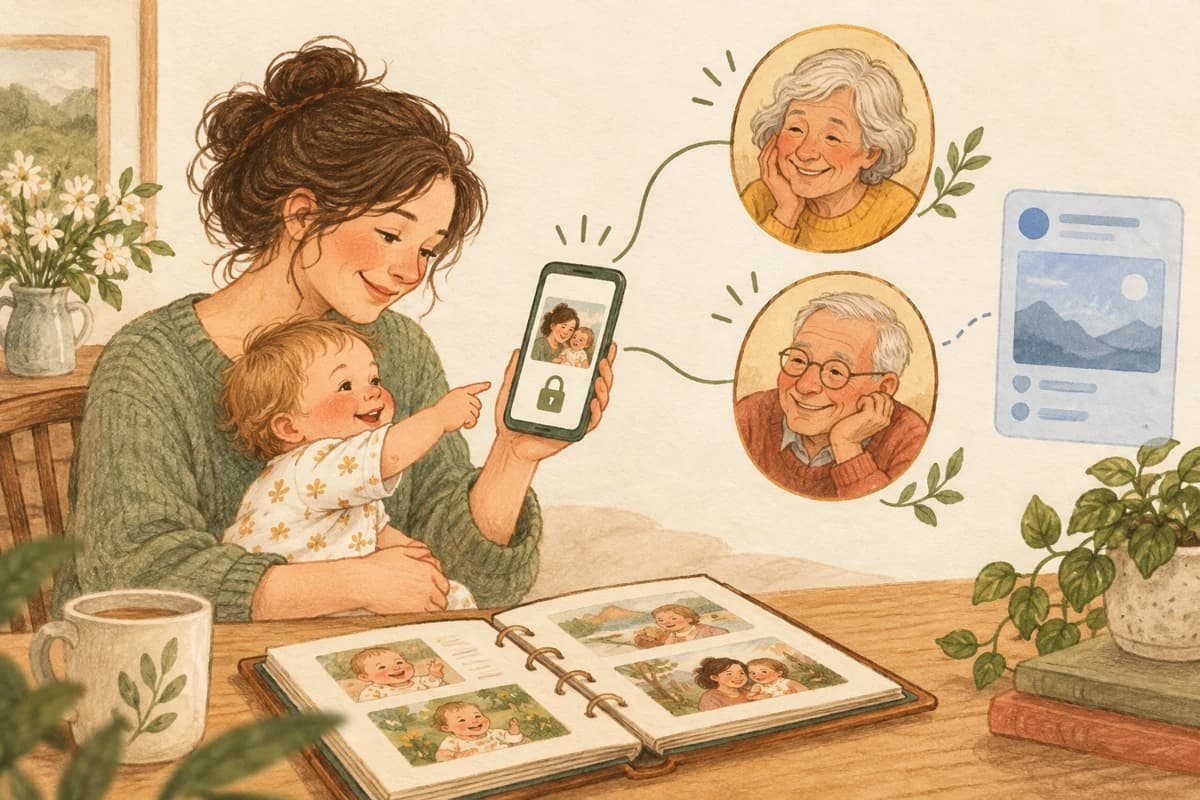
Which Facebook alternative fits your family?
Choose by the way you want to share
| Option | A good fit when… | What to know |
|---|---|---|
| Clann | You want a private family timeline, baby updates and memories together. | Family subscriptions fund private sharing, with no ads, data sales or AI training on family photos and videos. |
| Google Photos | Your family wants to share an album from a photo library. | Shared links can be passed on; review link sharing and membership. |
| Apple Shared Albums | Your family already uses Apple Photos and wants a shared collection. | Participation depends on the device, account and sharing method; check each relative’s route in. |
| You want to send a few pictures and talk about them. | A conversation rather than a dedicated family album; it is still a Meta service. |
This guide is about replacing Facebook for family photos. If you want a broader comparison of family-sharing services, see the best ways to share photos with family.
Clann: a private home for family photos
Clann is for the pictures you want to share with your family: the sleepy newborn cuddle, the afternoon with grandparents, the birthday everyone wants to remember. A shared timeline keeps those updates together, with albums for the moments you want to collect.
Photos and videos are end-to-end encrypted. Admins control downloads, membership and who can contribute. Clann blocks screenshots in production and offers screenshot-attempt notifications. These controls reduce copying through the app; they cannot prevent someone photographing a screen with another device. See the current controls.
Your family subscription funds private sharing. Clann does not sell user data, show ads, or use family photos and videos to train AI. Your family pays for the service, and your memories stay out of the advertising business. Read Clann’s privacy policy.
Family can use iPhone or Android. Grandparents who prefer a browser can view through a secure web link. At the time of writing, Clann lists US pricing of $59.99 a year after a 7-day trial, or $11.99 a month; check the offer in your app store. Plan details.
Keep the family updates. Give them a private place.
Download Clann, start your trial in the app and invite the people you want to share with.
Google Photos: share an album from your photo library
Google Photos lets you share an album with specific Google accounts or through a link. That makes it useful when the pictures are already in your library and you want to collect a trip, celebration or family visit in one place.
The important choice is how people get access. Google says an album link can be shared by others. Removing a person does not close that route if link sharing remains on. For a smaller audience, invite specific people and review both membership and link sharing. Google also notes that people with album access can add others. Google’s shared-album privacy controls.
Choose this if an album in Google Photos meets your needs. If you want help creating it, follow our Google Photos shared-album guide.
Apple Shared Albums: a collection in Apple Photos
Apple Shared Albums let people share photos, videos and comments. They are worth considering when Apple Photos is already where your family keeps its pictures. Apple also documents Shared Albums on iCloud.com, so do not assume that participation is limited to an iPhone.
Check the account and invitation route for relatives on other devices. Public Website sharing is a different choice from inviting named participants: treat a public album URL as a link that can travel beyond the original recipient. Apple’s Shared Albums guide.
For the steps and current platform differences, see how to share an album on iPhone.
WhatsApp: quick pictures in a family conversation
If your family already has a WhatsApp chat, sending a few pictures there may be enough. Personal messages, photos and videos use end-to-end encryption. WhatsApp separately offers encrypted backups, which you can enable for saved chat history. WhatsApp’s privacy explanation.
The trade-off is the format: updates sit in a conversation alongside everything else. That can be convenient for a reply today, and less useful when you want a dedicated collection to revisit. WhatsApp is also owned by Meta, so it does not meet a goal of leaving Meta’s services entirely. See WhatsApp and baby-photo sharing for the fuller comparison.
How to move family photo sharing away from Facebook
- Choose the new home for future updates. Decide whether you want a family timeline, a shared album or an existing chat.
- Invite the people who should receive those updates. A photo-sharing audience can be smaller than your Facebook friends list.
- If you want your own older Facebook uploads, request a download through Accounts Center. Meta provides Download Your Information there; the available options may differ by account.
- Share your next family picture in the new place. You can start with future updates without moving years of photos first.
Meta explains the download controls in its Accounts Center information-management guide. This is an export from Facebook, not an automatic import into Clann. Moving future sharing also does not remove old Facebook posts; review those separately if you want to change their audience or delete them.
For baby photos, choose the audience before the platform
A new service is useful when it makes the everyday sharing you want easier. If the goal is to keep grandparents close without posting your baby’s life to a wider feed, a private family space is a clear fit. If you only need to send five holiday pictures, a shared album may be enough.
For a closer look at the family experience, read Clann for new and expecting moms. If the problem is relatives posting pictures back to Facebook, our guide to grandparents reposting baby photos answers that separate question.
Questions about sharing photos without Facebook
No. Clann is a separate family-sharing service, available on iPhone and Android. Approved relatives can also view through secure web access.
You can invite specific Google accounts. Review link sharing too: a shared link can be forwarded, and removing a member does not block access through an active link.
It can replace posting pictures on Facebook, but it is still a Meta service. It is not a separate company from Meta.
No. Starting a new album or family group does not change your existing Facebook posts. Manage their audience or deletion separately.
Share the moments with your family